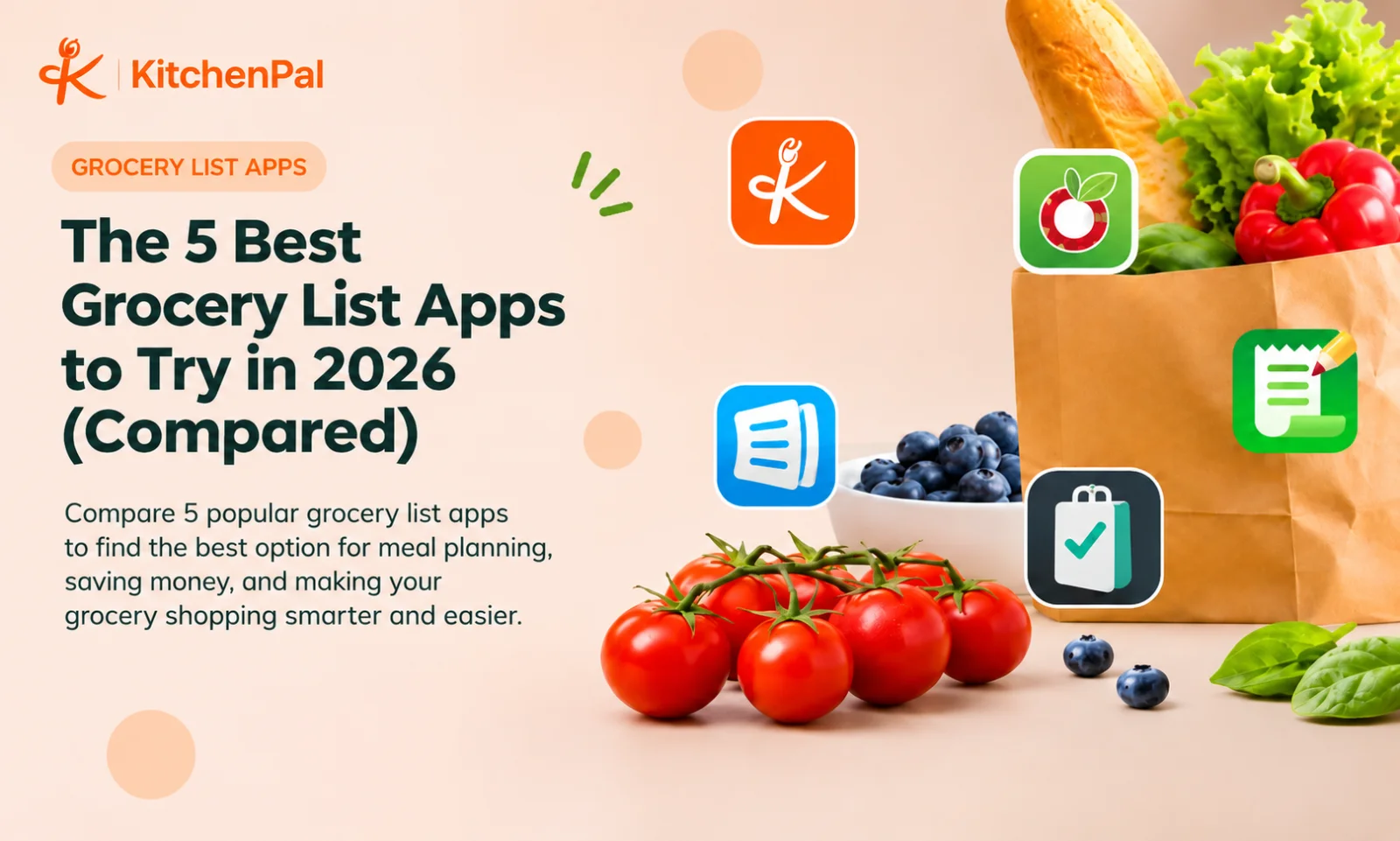
The best grocery list app depends on how you shop. KitchenPal is a strong all-in-one choice for grocery lists, pantry tracking, and meal planning. AnyList suits recipe-based shopping, OurGroceries works well for shared family lists, Bring! offers visual shopping lists, and Listonic helps organize purchases and track estimated costs.
Why Choosing the Right Grocery List App Is Crucial
Grocery shopping involves more than remembering what to buy. You need to keep track of ingredients, check what's already in your kitchen, coordinate shopping with family members, and stay within your grocery budget.
Without an organized system, it's easy to purchase duplicate items, forget essentials, or let fresh ingredients expire before you use them.
A grocery list app makes this process easier by keeping shopping requirements in one place. Some apps offer simple digital checklists, while others connect grocery shopping with meal planning, recipe management, and kitchen inventory tracking.
Grocery lists remain an important part of how people manage their shopping. According to FMI's U.S. Grocery Shopper Trends report, 83% of shoppers use grocery lists as a way to manage their spending.
If you're looking for the best grocery list app in 2026, the right choice depends on how much you want to manage beyond everyday shopping.
5 Best Grocery List Apps in 2026
1. KitchenPal: Best Overall Grocery List & Kitchen Management App
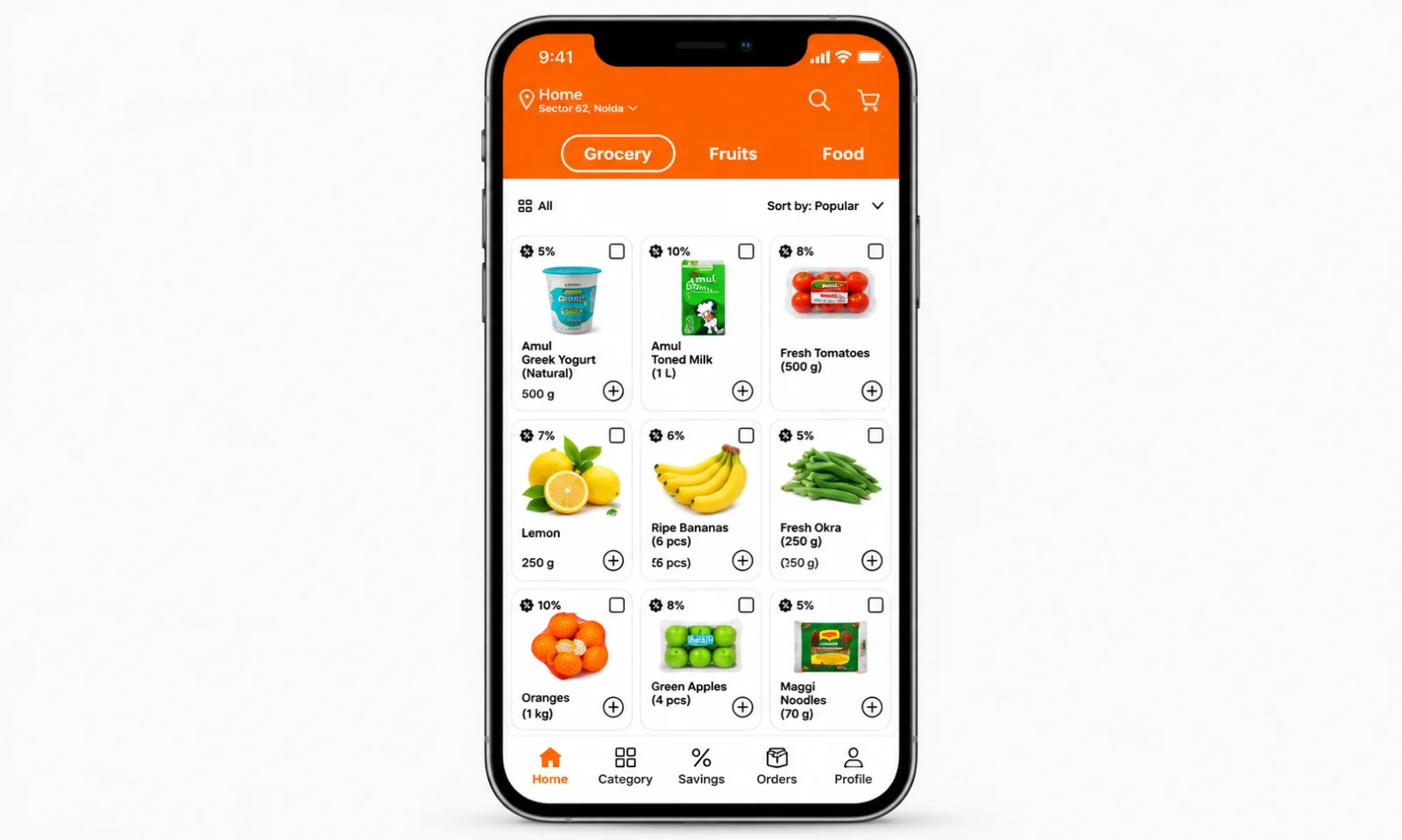
KitchenPal goes beyond basic shopping lists by connecting grocery shopping with pantry management, recipes, and meal planning.
You can create shared grocery lists, track ingredients across your pantry, refrigerator, and freezer, and receive reminders about approaching expiry dates. Its barcode scanner also makes adding products to your kitchen inventory easier.
One particularly useful feature is its connection between meal planning and grocery shopping. You can plan meals using available ingredients and generate shopping lists based on what you still need. This helps prevent unnecessary purchases and makes weekly grocery planning more organized.
Key Features:
- Shared grocery lists with real-time syncing.
- Pantry, refrigerator, and freezer inventory tracking.
- Barcode scanning and expiry date reminders.
- Recipe suggestions based on available ingredients.
- Weekly meal planning and shopping list generation.
- Product comparison and nutritional information.
Pricing: Free to download, with premium plans starting at $3.99/month. Annual, lifetime, and family lifetime options are also available.
Best For: Families and individuals who want one app for grocery shopping, kitchen inventory, meal planning, and food management.
2. AnyList: Best for Recipe-Based Grocery Planning
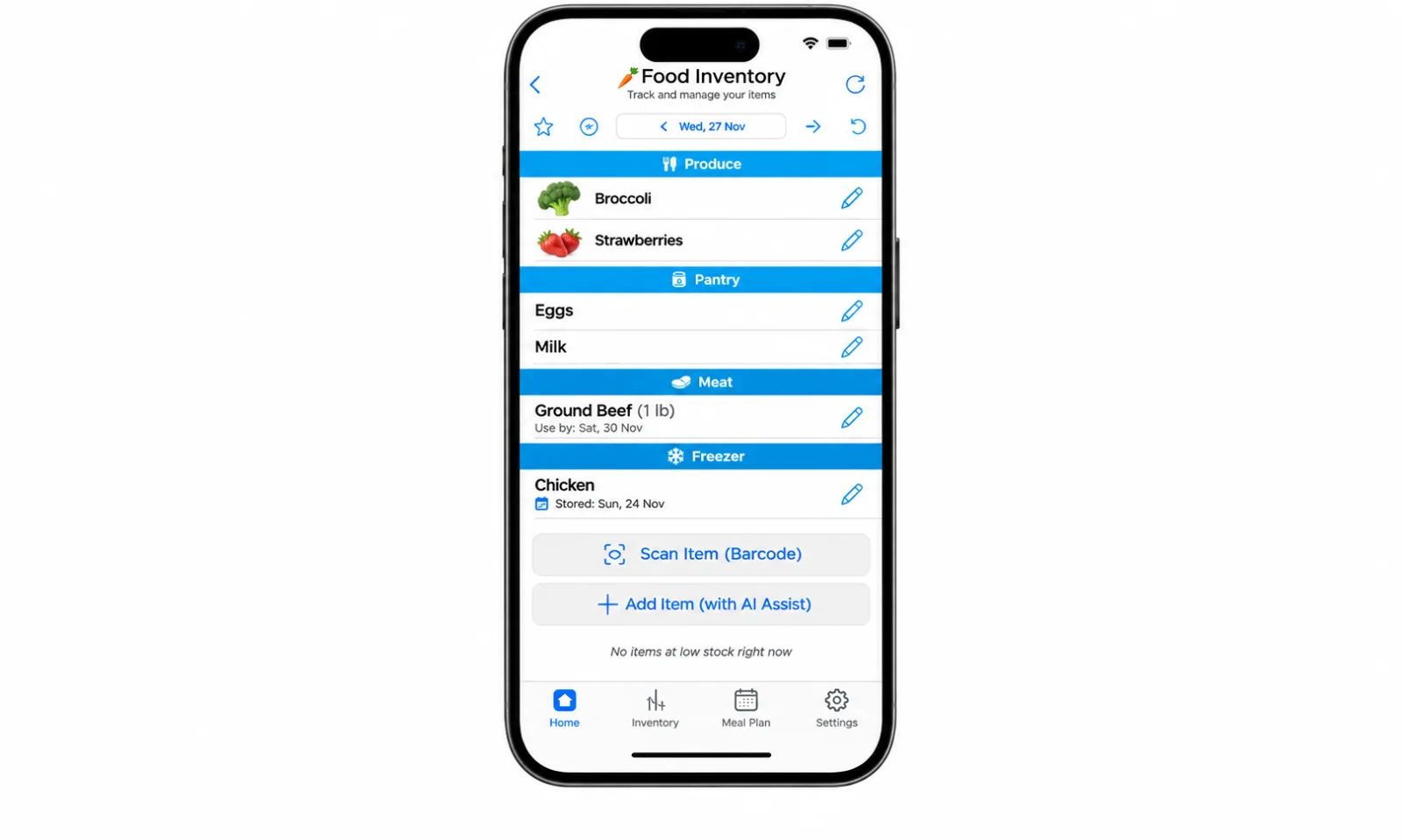
AnyList is a popular grocery list app for people who regularly cook at home and want to organize shopping around their favorite recipes.
It automatically categorizes grocery items, supports shared lists, and lets you add quantities and notes. You can also import recipes from websites, organize them into collections, and transfer ingredients directly to your shopping list.
Its meal planning calendar makes it easier to schedule upcoming meals and prepare shopping lists in advance. However, some advanced recipe and planning features require AnyList Complete.
Key Features:
- Shared grocery lists across household devices.
- Automatic grocery item categorization.
- Recipe importing and organization.
- Meal planning calendar.
- Grocery lists generated from planned meals.
Pricing: Free version available. AnyList Complete costs $9.99/year for individuals and $14.99/year for households.
Best For: Home cooks and families who want to connect recipes, weekly meal plans, and grocery shopping.
3. OurGroceries: Best for Simple Shared Grocery Lists
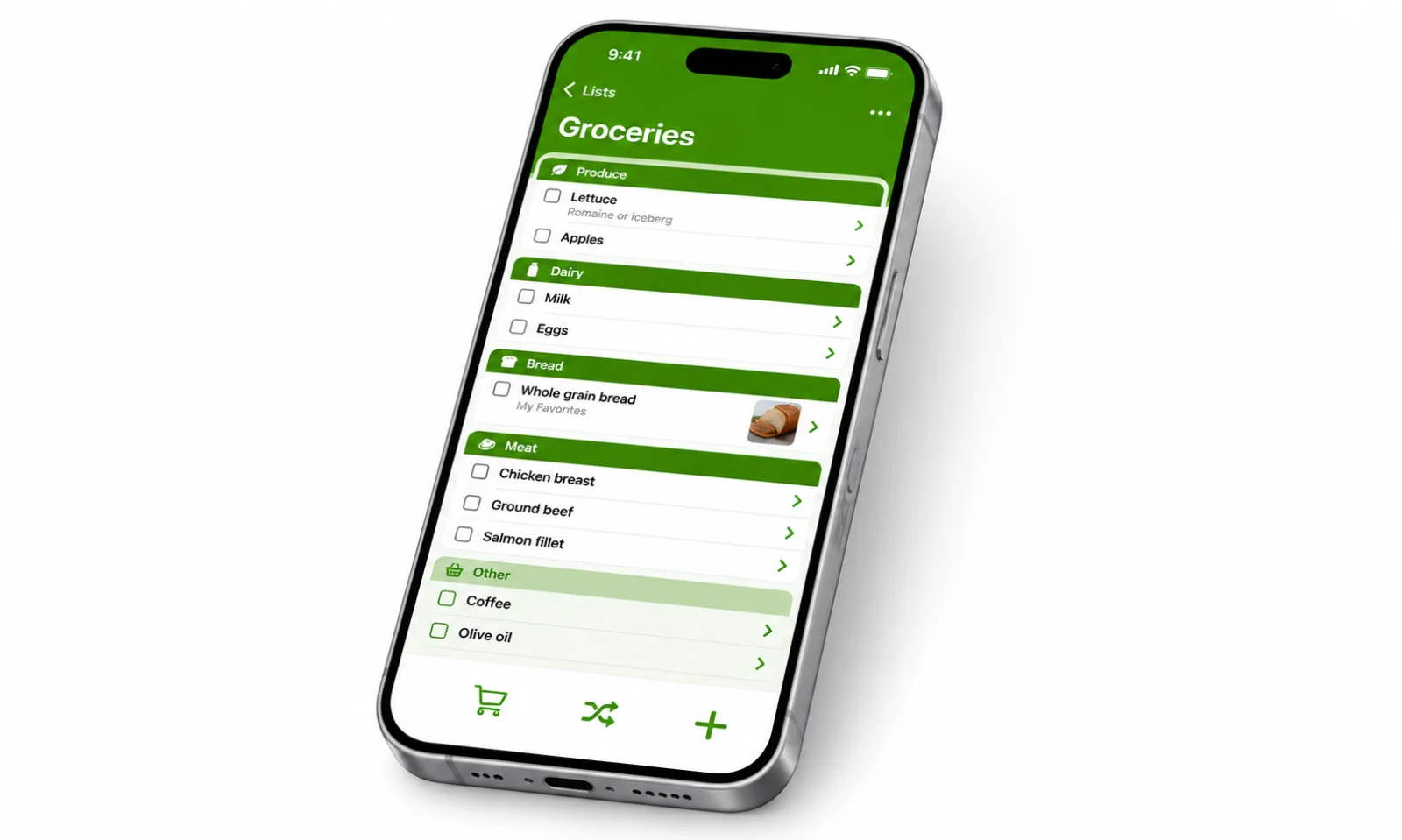
OurGroceries focuses on making everyday shopping easier for households that want a straightforward way to share grocery lists.
Multiple family members can access and update the same list, so everyone stays informed about what needs to be purchased. You can create separate lists, organize products by category, and add quantities, notes, photos, and barcode information.
The app also supports recipes, allowing you to add their ingredients to your shopping list. It is a practical option if you don't need advanced meal planning or a dedicated kitchen inventory system.
Key Features:
- Shared grocery lists with instant updates.
- Multiple lists for different shopping needs.
- Barcode scanning and product details.
- Automatic grocery categorization.
- Recipe ingredient lists.
Pricing: Free to download and use, with optional premium features.
Best For: Couples, families, and roommates who primarily need a simple shared grocery list app.
4. Bring!: Best for Visual Grocery Shopping
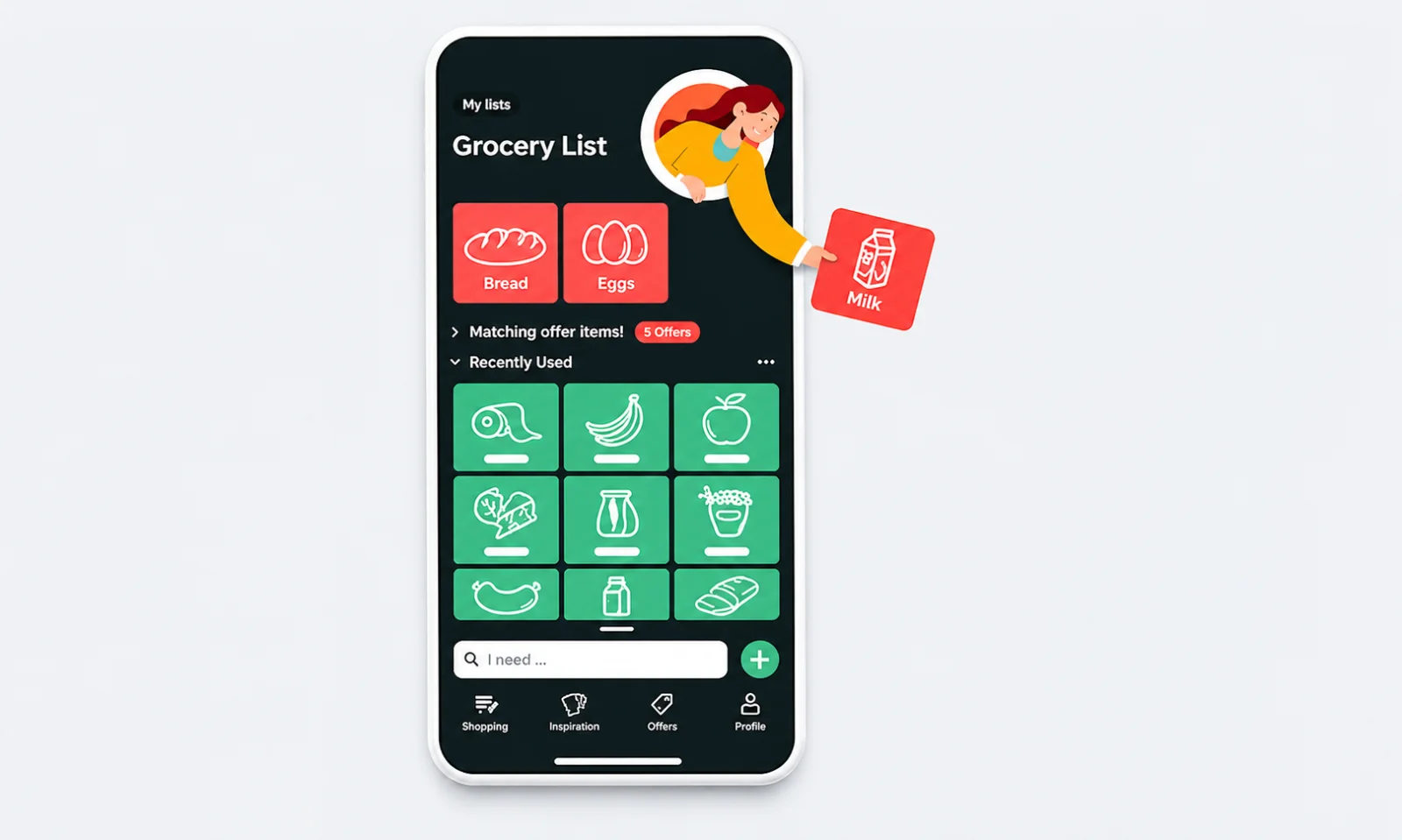
Bring! offers a more visual approach to grocery list management. Instead of relying entirely on text-based checklists, it uses product images and categories to make shopping easier to navigate.
You can create multiple shopping lists, share them with family members, add product details, and organize items according to supermarket aisles. Changes are synchronized across shared lists in real time.
Bring! also offers recipe inspiration, lets you save recipes from websites, and allows you to transfer recipe ingredients directly to shopping lists. In supported regions, you can browse local shopping offers and save loyalty cards.
Key Features:
- Visual product catalog and shopping lists.
- Real-time list sharing.
- Store aisle organization.
- Recipe saving and ingredient lists.
- Local shopping offers and loyalty cards.
Pricing: Free to download and use, with regional differences in available offers and features.
Best For: Families and shoppers who prefer visual lists and want grocery shopping inspiration alongside everyday planning.
5. Listonic: Best for Organized and Budget-Conscious Shopping
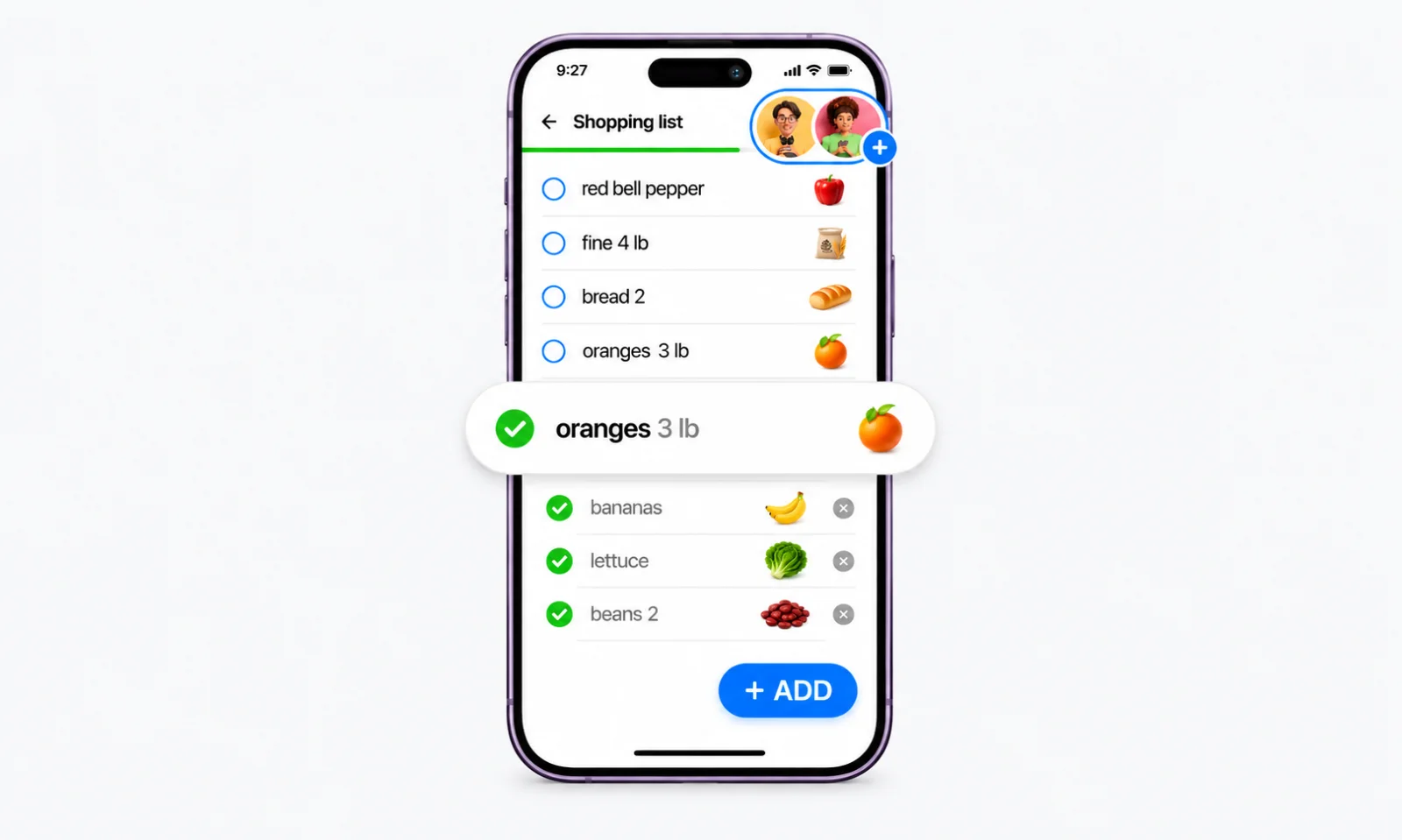
Listonic is designed to make grocery shopping more organized through shared lists, automatic categorization, and spending calculations.
As you add products, the app sorts them into grocery categories, helping you navigate supermarket aisles more efficiently. You can also share lists with family members and update them together.
Its price calculator is particularly useful for budget-conscious shoppers. Add product prices and quantities to estimate your shopping total before reaching checkout.
Listonic also provides personalized product suggestions based on shopping habits and an AI shopping assistant that can help create grocery lists and meal ideas.
Key Features:
- Shared grocery lists with real-time syncing.
- Automatic product categorization.
- Aisle-based sorting.
- Price tracking and total cost calculation.
- Personalized product suggestions.
- AI-assisted grocery list creation.
Pricing: Free to use, with an optional Premium subscription for an ad-free experience.
Best For: Budget-conscious shoppers and households that want organized lists and better control over grocery spending.
How We Created This List of the Best Grocery List Apps
We compared five grocery list apps based on their features, usability, list-sharing capabilities, platform availability, and user feedback.
To make this comparison useful, we assessed each app across five key areas:
- Ease of use: How quickly can you create and manage a shopping list?
- Organization: Can you group items by category or store?
- List sharing: Does it support real-time collaboration with others?
- Platform availability: Is it available on iOS, Android, or both?
- User experience: What do users say about its reliability and everyday usefulness?
These criteria helped us identify what each app does best, where it falls short, and who would benefit most from using it.
Grocery List Apps Compared: Which One Should You Choose?
Here's a quick comparison of the five apps and what each offers.
| App | Shared Lists | Meal Planning | Pantry Tracking | Best For |
|---|---|---|---|---|
| KitchenPal | Yes | Yes | Yes | All-in-one kitchen management |
| AnyList | Yes | Yes | No dedicated tracker | Recipe-based shopping |
| OurGroceries | Yes | Recipe support | No dedicated tracker | Simple family lists |
| Bring! | Yes | Recipe inspiration | No dedicated tracker | Visual shopping |
| Listonic | Yes | AI-assisted suggestions | No dedicated tracker | Organized shopping and budgets |
Note: Features and pricing can change. Check each app's current plan and regional availability before subscribing.
How to Choose the Best Grocery List App for Your Needs
The right grocery list app depends on how you shop, who shares your shopping responsibilities, and how much organization you need.
Before choosing one, consider these factors:
- Shared list functionality: If multiple people manage household shopping, look for real-time syncing so everyone can add, edit, and check off items.
- Meal planning integration: If you plan weekly meals, choose an app that connects recipes and meal schedules with grocery lists. This makes it easier to purchase only the ingredients you need.
- Pantry inventory tracking: A grocery list tells you what to buy, but an inventory tracker helps you understand what you already own. Maintaining a pantry inventory list can help prevent duplicate purchases.
- Budget management: Look for features such as item pricing, quantity tracking, and shopping totals if controlling grocery expenses is a priority.
- Ease of use: The app should be simple enough for everyone in your household to update regularly.
Conclusion
The best grocery list app depends on how you organize your household shopping. AnyList is a good choice for recipe-focused shoppers. OurGroceries keeps shared lists simple. Bring! offers a visual shopping experience. And Listonic helps organize purchases and estimate expenses.
However, if you want more than a digital shopping checklist, KitchenPal brings grocery lists, pantry inventory, expiry tracking, and meal planning together.
Connecting these everyday kitchen tasks with KitchenPal can make shopping more organized, help you use ingredients you already have, and reduce unnecessary purchases. Instead of managing several separate tools, you can keep more of your kitchen routine in one place.